Blog
LED Keyboard – Colorful Lighting Edge RGB Keyboard: The Ultimate Guide to a Stylish Typing Experience
May
In today’s smartphone world, customization is everything. From wallpapers to widgets, users want their devices to reflect their personality. But one area that often gets overlooked is the keyboard—the tool you use every single day. A18
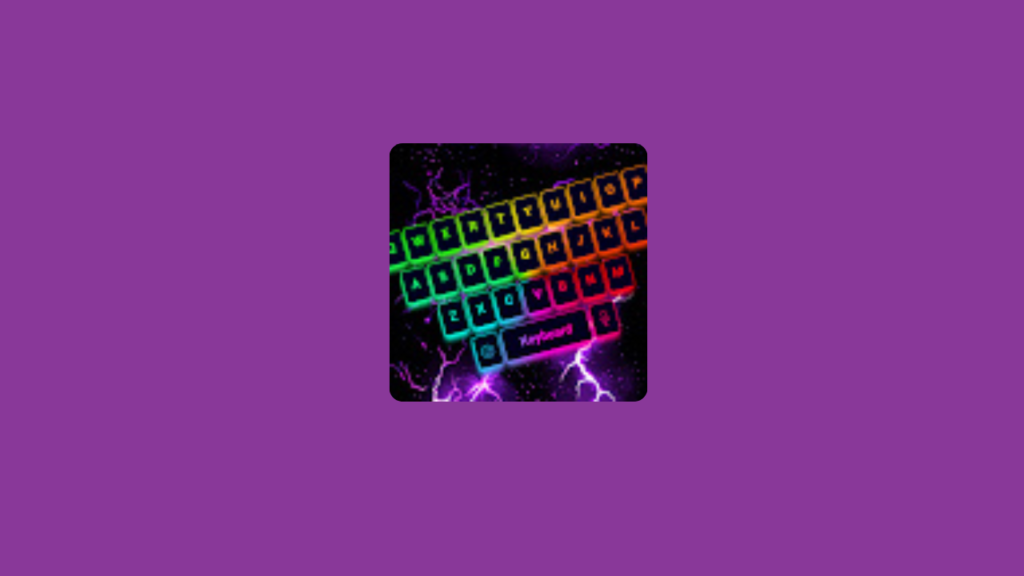
That’s where LED Keyboard – Colorful Lighting Edge RGB Keyboard comes in. This app transforms your standard keyboard into a vibrant, glowing, RGB-powered typing experience that looks stunning and feels modern.
If you want your phone to stand out, this app is a must-try.
What is LED Keyboard – Colorful Lighting Edge RGB Keyboard?
LED Keyboard is an Android customization app that replaces your default keyboard with a colorful, animated RGB keyboard. It adds glowing edge lighting effects, stylish themes, and smooth animations to make typing more fun and visually appealing.
It’s not just about looks—it also provides essential typing features like autocorrect, emojis, and customization options.
Why Customize Your Keyboard?
Your keyboard is one of the most frequently used parts of your phone. Customizing it can:
- Improve your typing experience
- Make your phone visually unique
- Match your overall theme and setup
- Add a fun, modern touch to daily usage
With LED Keyboard, typing becomes more than just functional—it becomes aesthetic and enjoyable.
Key Features of LED Keyboard
🌈 1. RGB Lighting Effects
The standout feature is the dynamic RGB lighting:
- Glowing edges around the keyboard
- Color-changing effects
- Smooth animations
It gives your phone a gaming-style, futuristic look.
🎨 2. Multiple Themes & Styles
Choose from a wide range of themes:
- Neon glow keyboards
- Dark and minimal styles
- Gradient color designs
- Animated backgrounds
You can easily switch between themes to match your mood.
✍️ 3. Smart Typing Features
Beyond design, the app includes:
- Autocorrect
- Word prediction
- Swipe typing
- Emoji support
This ensures your typing is both stylish and efficient.
😄 4. Emoji & GIF Integration
Express yourself better with:
- Thousands of emojis
- GIF support
- Stickers
Perfect for chatting on WhatsApp, Messenger, or social media.
⚡ 5. Customization Options
You can personalize:
- Keyboard colors
- Lighting speed
- Brightness levels
- Key styles and fonts
This gives you full control over how your keyboard looks.
📱 6. Lightweight & Smooth Performance
Despite its visual effects, the app is:
- Optimized for performance
- Smooth and responsive
- Compatible with most Android devices
Benefits of Using LED Keyboard
Here’s why users love it:
🎨 Aesthetic Appeal
Your keyboard becomes visually stunning and unique.
🎯 Personal Expression
Match your keyboard with your phone theme or personality.
⚡ Enhanced Experience
Typing feels more engaging and fun.
📱 Modern Look
Gives your phone a premium, futuristic vibe.
Who Should Use This App?
📱 Customization Lovers
If you enjoy personalizing every detail of your phone, this app is perfect.
🎬 Content Creators
A colorful keyboard can make your screen recordings and TikTok videos more جذاب (engaging).
🎮 Gamers & Tech Fans
RGB lighting gives a gaming-style aesthetic that many users love.
Tips for Best Experience
To get the most out of LED Keyboard:
- Use dark wallpapers to highlight RGB effects
- Adjust brightness to save battery
- Choose simple animations for smoother performance
- Avoid overly flashy settings if you prefer minimal design
Pros and Cons
✅ Pros
- Beautiful RGB lighting effects
- Highly customizable
- Fun and engaging typing experience
- Includes essential keyboard features
❌ Cons
- May use more battery with animations
- Some themes may require internet
- Can feel distracting for minimal users
Final Verdict
LED Keyboard – Colorful Lighting Edge RGB Keyboard is more than just a keyboard—it’s a visual upgrade for your entire phone experience.
If you want to combine style, creativity, and functionality, this app delivers exactly that. It’s perfect for anyone looking to make their smartphone feel more alive and personalized.
Bonus Tip 🔥
For the ultimate aesthetic setup, combine this app with:
- Always On AMOLED (for display)
- Volume Styles (for UI customization)
- Smart Action Notch (for gestures)
Together, they create a fully customized, next-level Android experience.
