
Blog
Always On AMOLED – The Ultimate Display Customization App for Android
May
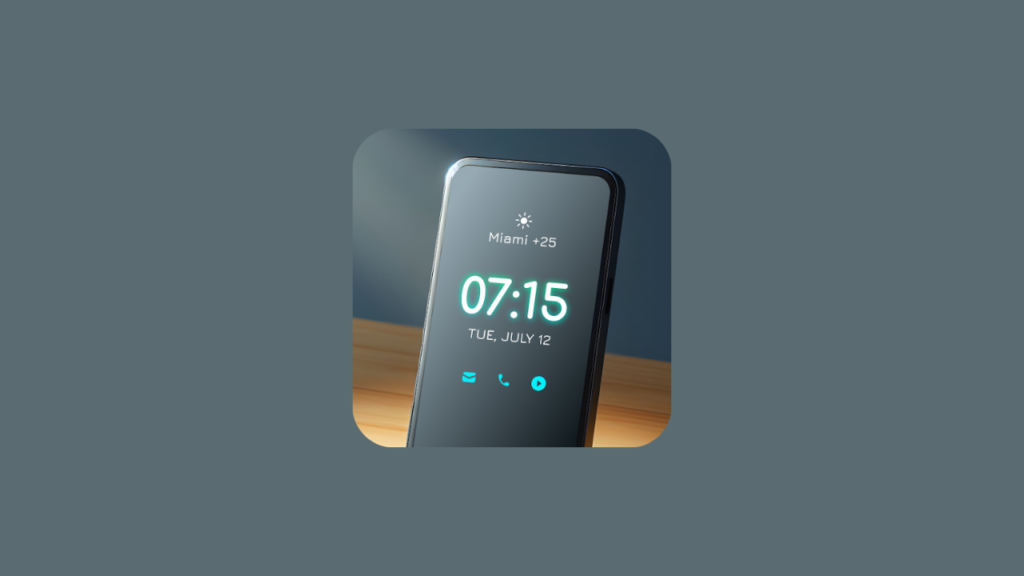
Smartphone personalization has become a big part of how we express ourselves, and one feature that stands out is the Always-On Display. If you’ve ever wanted to check the time, notifications, or battery status without unlocking your phone, then Always On AMOLED is exactly what you need.
This powerful Android app transforms your lock screen into a smart, stylish, and energy-efficient display that stays active even when your phone is idle. A13
What is Always On AMOLED?
Always On AMOLED is an Android application that allows your phone screen to display essential information continuously, even when the device is locked. Inspired by premium smartphone features, this app brings advanced Always-On Display functionality to a wide range of Android devices.
It’s especially popular among users who want both convenience and aesthetics in one place.
Key Features of Always On AMOLED
1. Always-On Display Functionality
The app keeps your screen partially active, showing:
- Time and date
- Battery level
- Notifications
- Custom text or messages
You no longer need to wake your phone just to check basic info.
2. Beautiful Clock Styles & Designs
Customization is where this app truly shines. You can choose from:
- Digital and analog clocks
- Edge lighting effects
- Neon and minimal styles
This allows you to create a lock screen that matches your personality perfectly.
3. Edge Lighting Notifications
One of the most eye-catching features is edge lighting. When you receive notifications, your screen lights up with colorful animations around the edges—making alerts both stylish and noticeable.
4. Smart Activation Modes
To save battery and improve usability, the app includes smart controls like:
- Pocket mode (turns off in your pocket)
- Auto ON/OFF schedules
- Double-tap to wake
- Motion detection
These features ensure the display is active only when needed.
5. AMOLED-Friendly Battery Efficiency
The app is optimized for AMOLED screens, meaning it uses minimal power by lighting only necessary pixels. Dark backgrounds help conserve battery while still delivering a premium look.
Why Use Always On AMOLED?
Using this app isn’t just about looks—it’s about efficiency and convenience.
Here’s what you gain:
- Quick access to important info
- Reduced need to unlock your phone
- A more premium smartphone experience
- Full control over your display style
It essentially upgrades your device without needing new hardware.
Ideal for Content Creators
If you’re a TikTok or social media creator, Always On AMOLED can help you stand out. You can:
- Showcase unique lock screens in videos
- Create aesthetic tech content
- Demonstrate cool customization tricks
Visual features like edge lighting and animated clocks are especially engaging for short-form content.
Tips for Best Usage
To get the most out of the app:
- Use dark or black wallpapers for better battery performance
- Adjust brightness settings to avoid screen burn-in
- Enable smart activation features for efficiency
- Experiment with different clock styles for variety
Final Thoughts
Always On AMOLED is one of the best customization apps available for Android users who want both style and functionality. It brings a premium Always-On Display experience to your fingertips while keeping things efficient and easy to use.
If you’re looking to upgrade your phone’s look and usability without spending money on a new device, this app is definitely worth trying.
Bonus Idea: Pair Always On AMOLED with minimal icon packs and clean wallpapers to create a truly professional and aesthetic smartphone setup.

Wllo ma ii shaqenayo maxaa qaldan
Cabdullahi carab Cismaan
Aboubaker
Updullhisharifdahir600@gmail.com
123
Allah akbar