
Uncategorized
3D Fish Tank Live Wallpaper – Transform Your Phone Into an Underwater World
May
In a world where smartphone customization is everything, static wallpapers are quickly becoming outdated. Users now want something dynamic, immersive, and visually stunning. If you’re looking to give your phone a truly unique look, then 3D Fish Tank Live Wallpaper is the perfect choice.
This app turns your screen into a realistic underwater aquarium, filled with colorful fish, flowing water, and calming animations—bringing your phone to life like never before.
What is 3D Fish Tank Live Wallpaper?
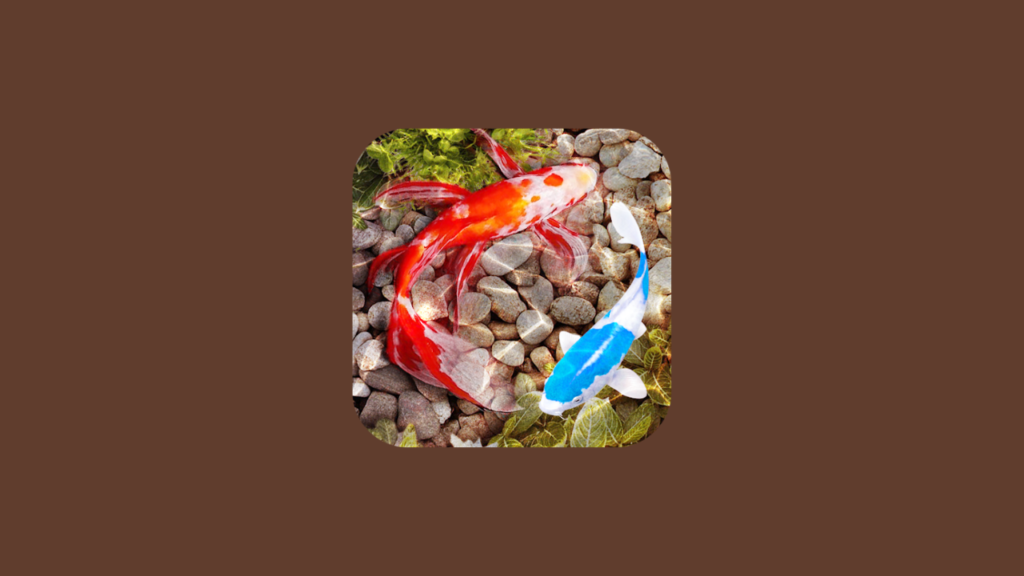
3D Fish Tank Live Wallpaper is an Android app that transforms your home and lock screen into a live, animated aquarium. Instead of a still image, you get moving fish, rippling water effects, and a peaceful underwater environment.
It’s designed for users who want a mix of:
- Relaxation 🌊
- Aesthetic beauty 🎨
- Interactive experience 📱
Why Choose a Live Aquarium Wallpaper?
Your phone is something you look at dozens—if not hundreds—of times a day. A live wallpaper like this can:
- Reduce stress with calming visuals
- Make your phone stand out
- Create a premium, high-end feel
- Add a sense of life and motion to your screen
It’s not just decoration—it’s an experience.
Key Features of 3D Fish Tank Live Wallpaper
🐠 1. Realistic 3D Fish Animation
The app features beautifully animated fish that:
- Swim naturally across your screen
- React smoothly to movement
- Look incredibly lifelike
It feels like you’re carrying a mini aquarium in your pocket.
🌊 2. Stunning Water Effects
Enjoy immersive underwater visuals:
- Flowing water animations
- Light reflections
- Bubble effects
These details create a realistic ocean-like environment.
🎨 3. Customizable Aquarium Themes
You can personalize your fish tank by:
- Choosing different fish species
- Changing backgrounds
- Adjusting colors and lighting
This allows you to design your own underwater world.
📱 4. Smooth Performance
Despite its rich graphics, the app is optimized to:
- Run smoothly on most Android devices
- Minimize lag
- Balance visuals with performance
🔋 5. Battery Optimization
Live wallpapers often raise concerns about battery usage, but this app includes:
- Efficient rendering
- Adjustable animation settings
- Low power consumption modes
Benefits of Using This App
🌿 Relaxation & Stress Relief
Watching fish swim can be surprisingly calming—similar to real aquariums.
🎨 Aesthetic Appeal
Your phone instantly looks more premium and visually engaging.
📱 Unique Personalization
Stand out with a wallpaper that’s alive and interactive.
🎬 Perfect for Content Creators
This type of wallpaper looks amazing in:
- TikTok videos
- Screen recordings
- Tech content
Who Should Use This App?
📱 Customization Lovers
If you enjoy making your phone look unique, this app is a must-have.
🌊 Nature & Ocean Fans
Perfect for anyone who loves underwater life and aquatic environments.
🎬 Social Media Creators
A dynamic background adds visual appeal to your content.
Tips for Best Experience
To get the most out of this app:
- 🔋 Lower animation speed to save battery
- 🎨 Choose darker themes for better contrast
- 📱 Use on AMOLED screens for richer colors
- ⚙️ Adjust fish count for smoother performance
Pros and Cons
✅ Pros
- Beautiful 3D animations
- Highly customizable
- Relaxing and immersive
- Smooth performance
❌ Cons
- Slight battery usage increase
- May not run perfectly on very low-end devices
- Some features may require premium access
Final Verdict
3D Fish Tank Live Wallpaper is more than just a wallpaper—it’s a living, breathing underwater experience right on your phone.
If you’re tired of static backgrounds and want something fresh, calming, and visually impressive, this app is definitely worth trying.
Bonus Tip 🔥
For a complete aesthetic smartphone setup, combine this app with:
- LED Keyboard (for colorful typing)
- Volume Styles (for UI customization)
- Always On AMOLED (for lock screen display)
This creates a next-level personalized Android experience that looks stunning from every angle.
