Tips
🔐 Gesture Lock Screen App: The Smartest Way to Secure Your Phone
May
In today’s digital world, protecting your smartphone is more important than ever. From personal messages to financial apps, your phone holds sensitive information that needs strong security. While traditional PINs and patterns are common, they can be predictable and easy to guess.
That’s where Gesture Lock Screen comes in—a powerful and innovative app that transforms the way you secure your device. A12
📱 What is Gesture Lock Screen?
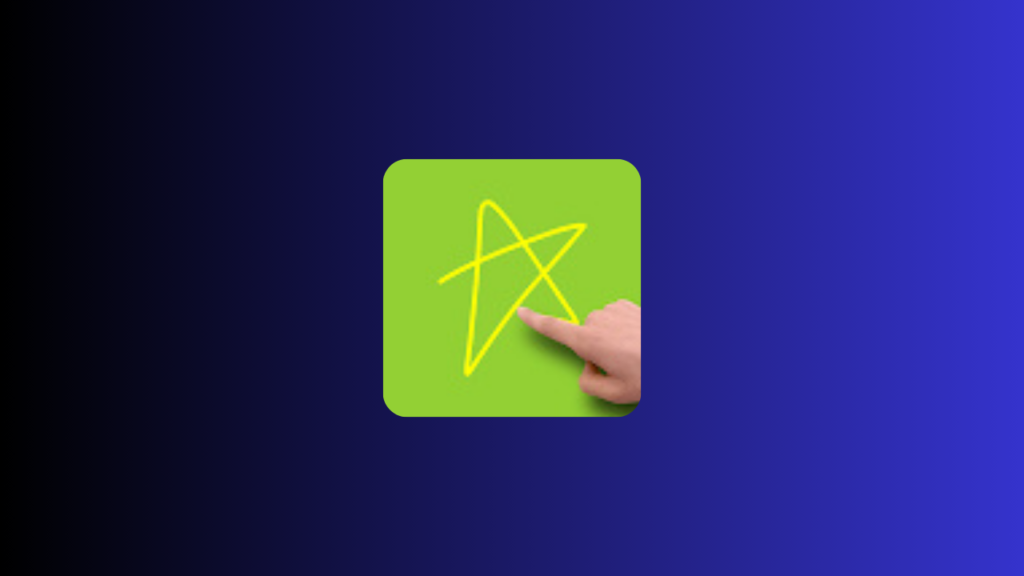
Gesture Lock Screen is a modern security app that allows users to unlock their phones using custom gestures, time-based passwords, and advanced protection features. Instead of using simple PINs, you can draw anything—from letters and numbers to unique symbols or signatures.
This makes your phone not only more secure but also more personal.
✍️ Unlock with Custom Gestures
One of the standout features of Gesture Lock Screen is its gesture-based unlocking system.
You can:
- Draw letters (like your initials)
- Use numbers or symbols
- Create a signature-style password
- Combine multiple strokes for extra security
For even more privacy, the app offers an invisible gesture mode, so no one can see what you’re drawing.
👉 This means your password is nearly impossible to guess.
📸 Intruder Selfie: Catch Anyone Trying to Unlock Your Phone
Ever wondered who tries to access your phone when you’re not around?
With the Intruder Selfie feature, the app automatically:
- Takes a photo when someone enters the wrong password
- Saves the image for later review
- Sends alerts to your email
- Notifies you when you unlock your phone
This feature adds an extra layer of protection and awareness.
⏰ Time Password: Never Forget Your Passcode Again
For users who often forget passwords, Gesture Lock Screen introduces a time-based password system.
Here’s how it works:
- If the time is 9:35 → your password becomes 0935
- You can reverse or customize the format
- Supports both 12-hour and 24-hour formats
You can even create advanced combinations like:
- Swapping numbers
- Adding padding
- Custom password structures
👉 It’s smart, dynamic, and always changing.
🛡️ Strong Security with Backup Options
Security is not just about complexity—it’s also about reliability.
Gesture Lock Screen provides:
- A backup recovery password (4–8 digits)
- Secure keypad unlock option
- Protection against unauthorized access
So even if you forget your gesture, you’ll never be locked out permanently.
🎨 Fully Customizable Lock Screen
Beyond security, the app offers a high level of personalization.
You can:
- Set wallpapers from your gallery
- Choose stunning images from Unsplash
- Customize date and time display
- Add lock/unlock sounds
- Apply smooth animations
👉 This turns your lock screen into a stylish, interactive experience.
⚡ Easy to Use, Powerful Performance
Despite its advanced features, Gesture Lock Screen is designed to be:
- Simple to set up
- Easy to use daily
- Lightweight and efficient
You don’t need any technical knowledge to enjoy its benefits.
🔒 Privacy & Data Safety
Your privacy is a top priority.
The app uses the Accessibility API only to ensure lock screen functionality during phone calls and usage.
✔️ No personal data is collected
✔️ No information is shared with third parties
You stay fully in control of your data.
🚀 Why Choose Gesture Lock Screen?
Here’s why thousands of users prefer this app:
- Unique gesture-based security
- Intruder detection with photo capture
- Smart time-based passwords
- Backup recovery options
- Full customization features
- Strong privacy protection
📥 Final Thoughts
If you’re looking for a smarter, more secure, and customizable way to protect your phone, Gesture Lock Screen is the perfect solution.
It goes beyond traditional security methods by combining innovation, flexibility, and style—giving you complete control over your device.
✨ Download Gesture Lock Screen today and unlock your phone your way.

1234
123
Abdullah
Msnsjsksksjsnznznznznznznnznznzndn nnnnnnnnn mmsmsmsmdkddkdkkdjdnxnxnxnxndndndnddjjdjdkdkdkdkddkkdkdkdkdkd
Hhhhhh
Thanks
Asc wavan aha wiil soomaleyed
Haafit
You email address
Best
123456
4
fowsiyaabshir23@gmail.com
Abdi
Wuusoolabtay
Well
Aaaeejughhfyhghi
cfitaaxmuuri@gmail.com
I want to lock my phone
Xamaas
Alaah